Share the Right Evidence Without Sharing Your Whole System
When a client or auditor asks for proof, teams often lose time searching through folders, emails and chat messages for the right records.
DutyStack lets you select relevant records and share them through controlled, read-only evidence packs with access boundaries.
Main features
Practical controls for teams that need records they can use during the work and share afterwards.
- Select records by project, date or type
- Inspection records and certificates
- Photos and supporting documents
- Controlled read-only links
- Link expiry and revocation
- Access history
- Client and auditor sharing
- Downloadable evidence packs where enabled
How the workflow works
- 1
Choose the records that answer the client or auditor request.
- 2
Create a controlled evidence pack.
- 3
Share a read-only link with the intended recipient.
- 4
Review access history and revoke links when needed.
Connected DutyStack records
This product area works best when it connects to the surrounding operational record.
- Asset records
- Competence evidence
- Document control
- Site diary and dayworks
Related product areas
Asset Management
DutyStack gives each asset a central record with its documents, responsible people, checks, defects, status history and evidence links in one place.
Explore Asset ManagementCompetence Matrix
DutyStack connects worker evidence, expiry dates and role requirements into a competence view that helps teams act before gaps affect work.
Explore Competence MatrixDocument Control
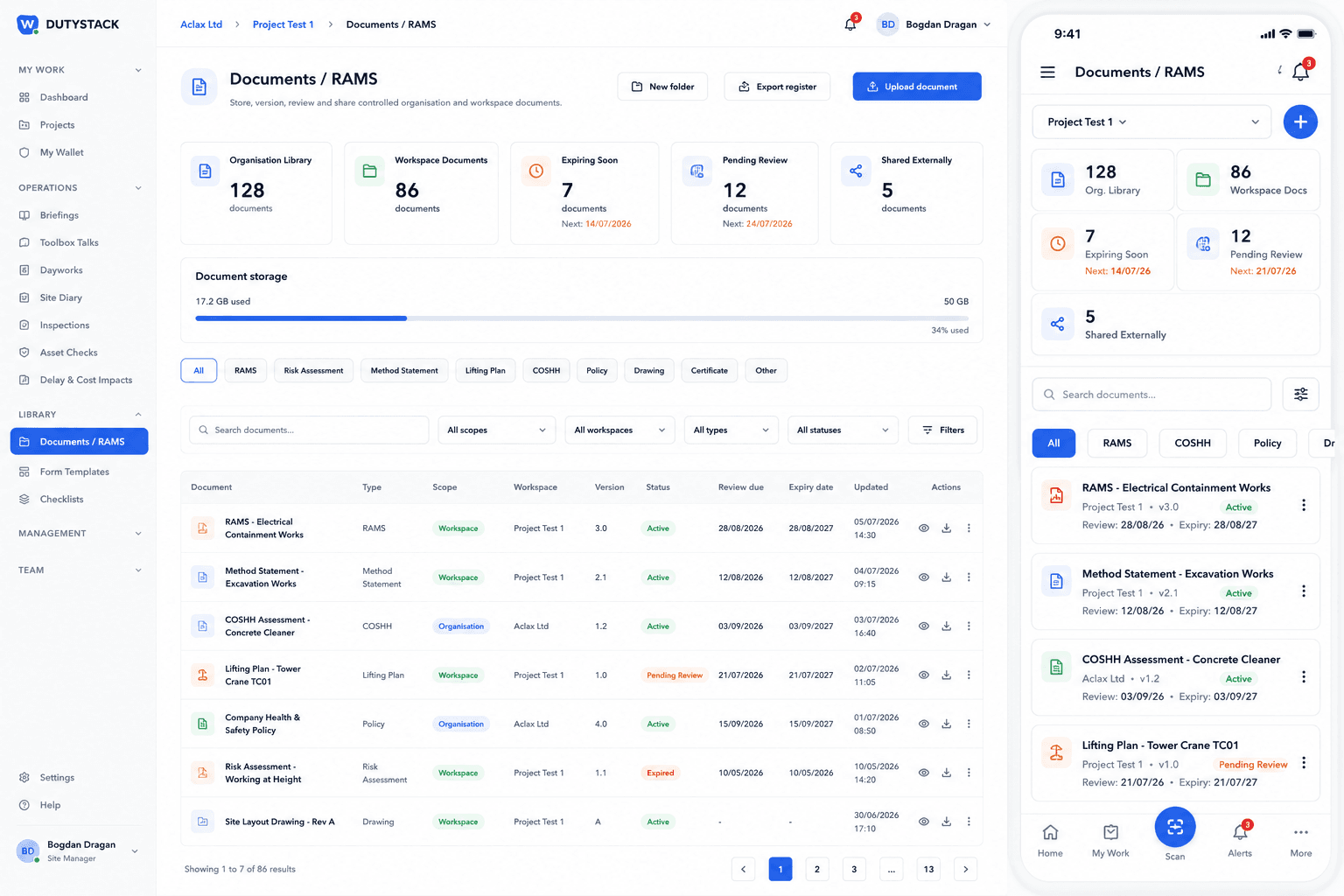
DutyStack keeps Document Control and RAMS as part of the wider operational record, connected to projects, assets and evidence sharing.
Explore Document ControlRelevant industries
Evidence Packs FAQ
What can be included in an evidence pack?
Evidence packs can include selected operational records such as inspections, certificates, documents, photos and reports where available.
Does the recipient need a DutyStack account?
Controlled external links are designed for read-only access without giving the recipient full system access.
Can a shared link expire?
Yes. Evidence sharing supports time-limited links and revocation controls.
Can access be revoked?
Yes. Shared links can be revoked when they should no longer be available.
See how Evidence Packs fits your real team and records.
Start free, compare plans or book an optional practical demonstration.